This page provides quick access to essential Canvas tutorials for instructors. The resources below are curated from the Canvas Community and focus on the most common tasks faculty perform when building and managing a course. Whether you are new to Canvas or need a quick refresher, these guides will help you navigate the platform efficiently and support student learning.
The Definitive Tutorials:
- Here is the Complete Canvas LMS Instructor Guide: Canvas LMS Instructor Guide
- Here is the Getting Started page for Student – Getting Started Tutorials and Resources for Students
Essential Canvas Skills
If you are new to Canvas, begin with these tutorials to understand the core tools used in most courses.
- Canvas Overview (Instructors) – A general introduction to the Canvas interface and main course tools.
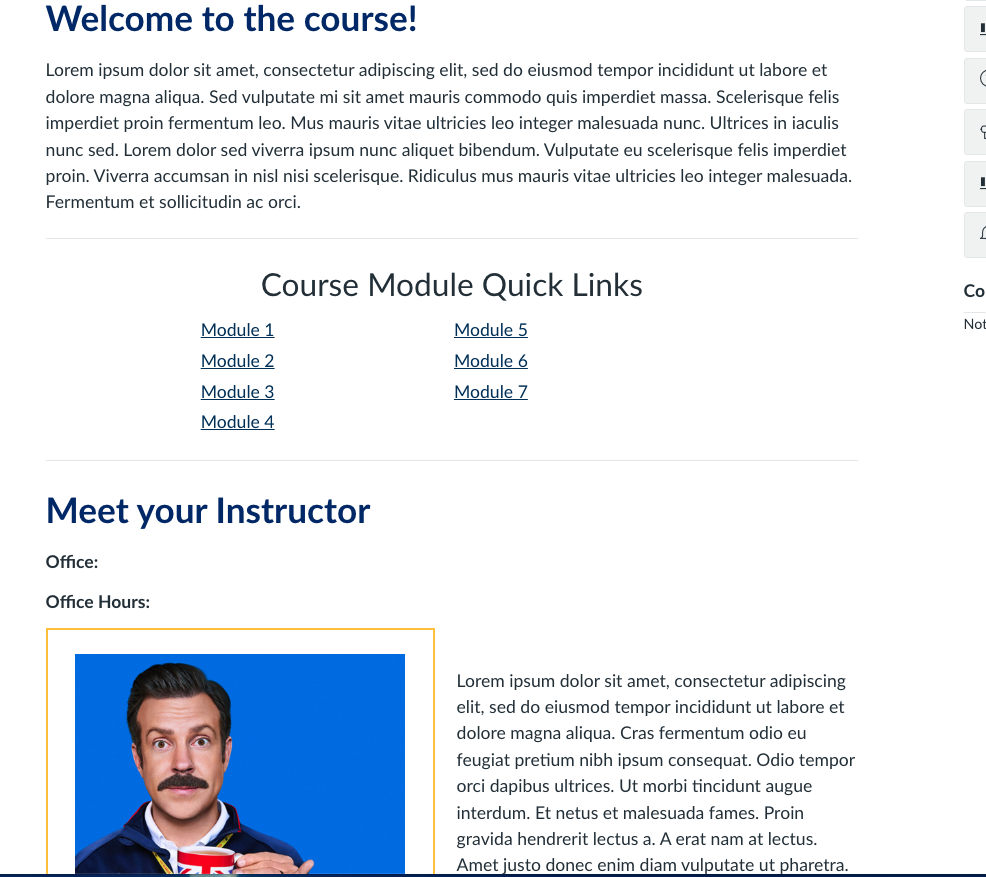
- Course Home Page Customization (Instructors) – Learn how to organize and customize your course home page.
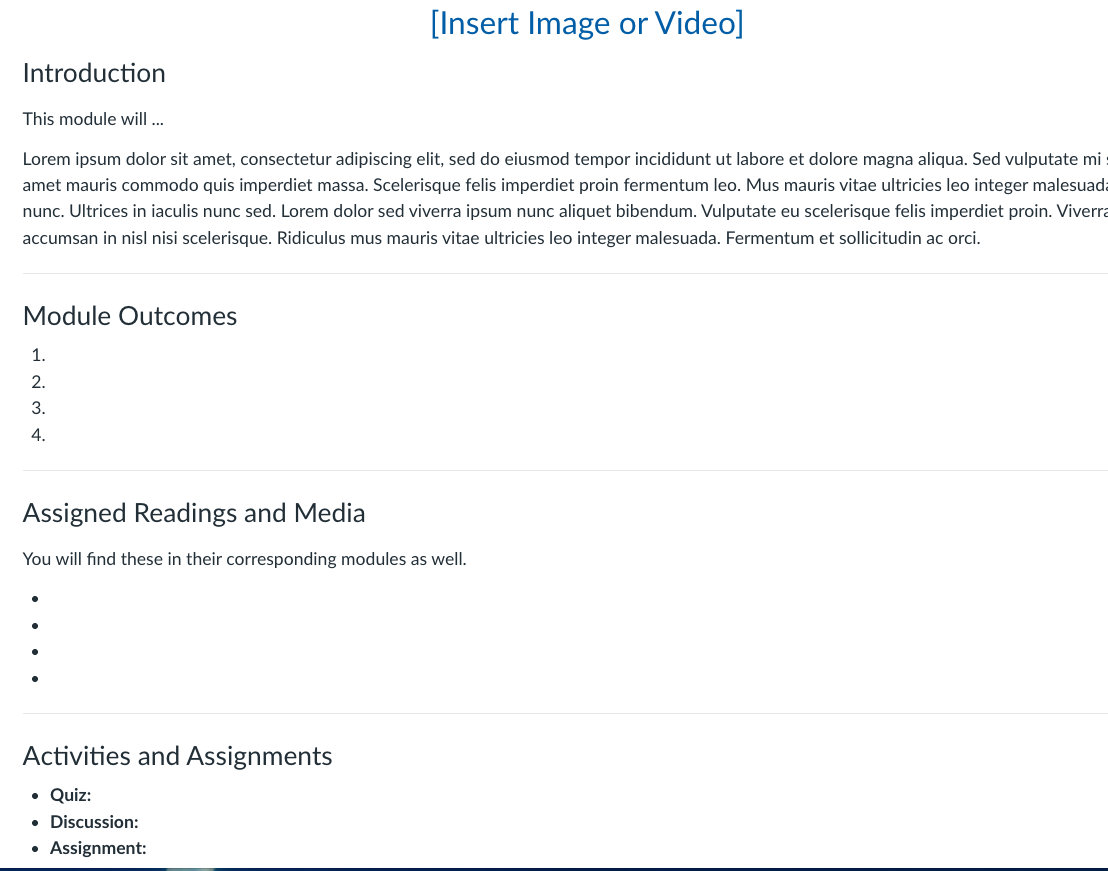
- Our Template: Our template has a Home Page to be edited to your information as well as 7 module sections with a Module Detail Page and placeholder pages for content. Please get in touch if you would like to use our template.
- Our Template: Our template has a Home Page to be edited to your information as well as 7 module sections with a Module Detail Page and placeholder pages for content. Please get in touch if you would like to use our template.
- Modules – Understand what modules are in Canvas.
- RCE (Rich Content Editor – Add text, images, video, and other content via the RCE to Assignments, Pages, Discussions, and quizzes.
- Assignments Overview (Instructors) – Create and manage assignments for student submissions.
- Gradebook Overview (Instructors) – View, manage, and organize student grades.
Communication in Canvas
These tools help you interact with students and support engagement in your course.
- Announcements Overview (Instructors) – Share updates and important course information.
- Discussions Overview (Instructors) – Create and moderate discussion boards for class interaction.
- Groups Overview (Instructors) – Organize students into groups for collaborative activities.
- Inbox: The Canvas messaging system. The inbox messages are also sent to newhaven.edu Outlook email an can be responded to from your Outlook email.
A Deeper Dive
Use these tools to structure materials and resources for your course.
- All things related to creating, editing, and using Assignments
- All things related to creating, editing, and using Discussions
- All things related to using Course Navigation
- Working with Groups
- Creating and using Quizzes – How to use “New Quizzes”
- Everything Gradebook
- Creating and using Rubrics
These tutorials are maintained by the Canvas (Instructure) Community and provide step-by-step guidance for instructors using the Canvas learning management system.
For more support please contact digitallearning@newhaven.edu